
CleverPDF offers more than 20 different tools that will allow you to convert a PDF into a Word document, Pages file, or an ePub (e-book) file. The service can also be used to create PowerPoint slides, Keynote Slides, images, or Excel files.
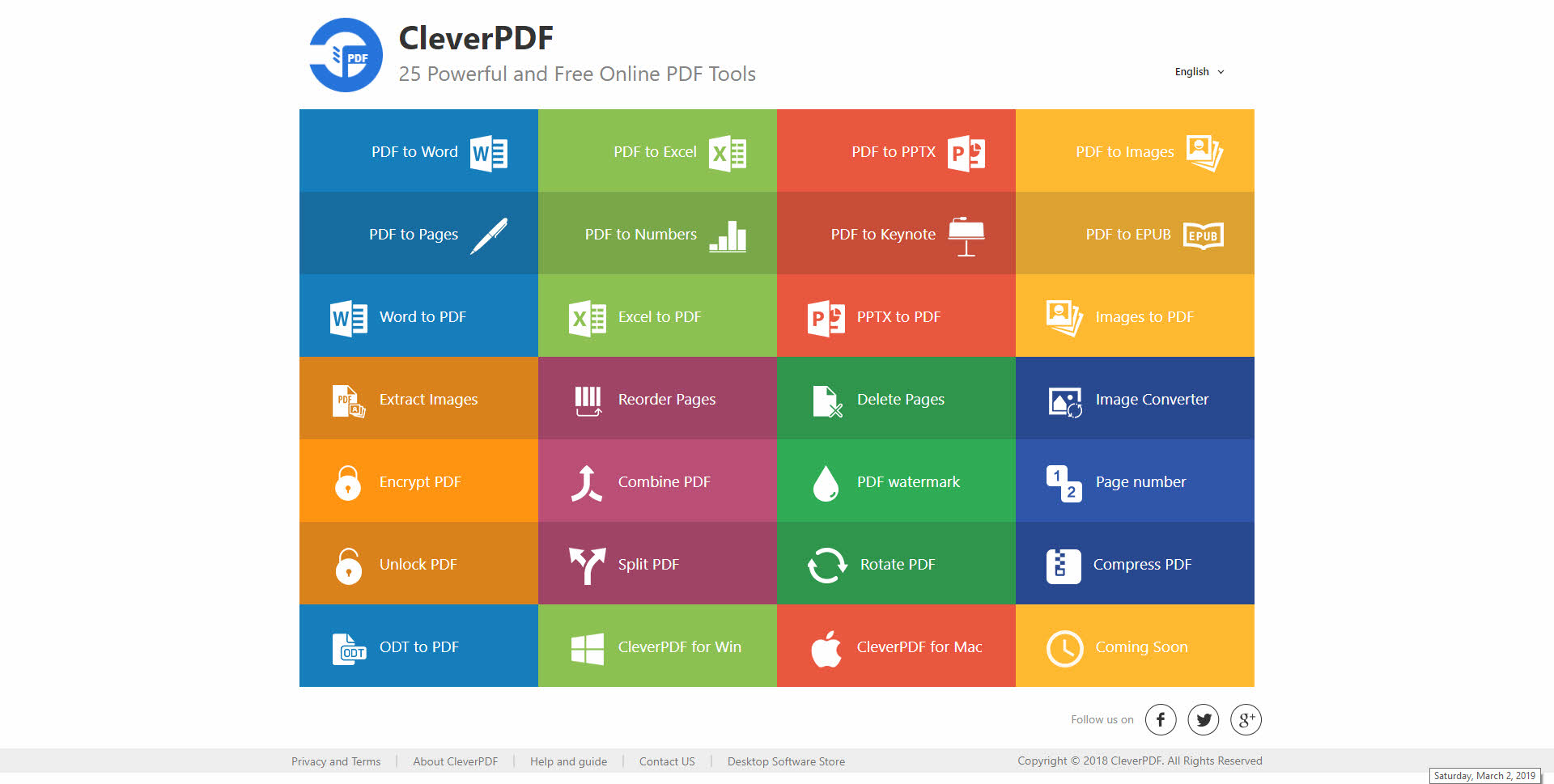
In addition to turning existing PDFs into other formats, CleverPDF can be used to convert other file types (like Word, Excel, PowerPoint, and images) to create PDFs.
And if you already have a PDF and need to modify it, CleverPDF has tools that allow you to combine, split, or apply watermarks to your PDFs.

No comments:
Post a Comment